
For construction
Site progress photos, stamped as you shoot
PicAnchor is a camera app for construction teams. It burns the time and a note into every site photo the moment it is taken, and the GPS location and address as well when the phone is online, so a pour, a rebar mat or a snag is on record in the same format for everyone on site.
One camera for every job
Construction
Every stage on recordin one site format
Pours, rebar, snagging and progress, in the same format for everyone on site.
- Time on every shot, GPS location and address when online
- Notes such as "Level 2 slab, pre-pour"
- One locked company stamp for the whole team


-
FoundationsTue 25 Aug
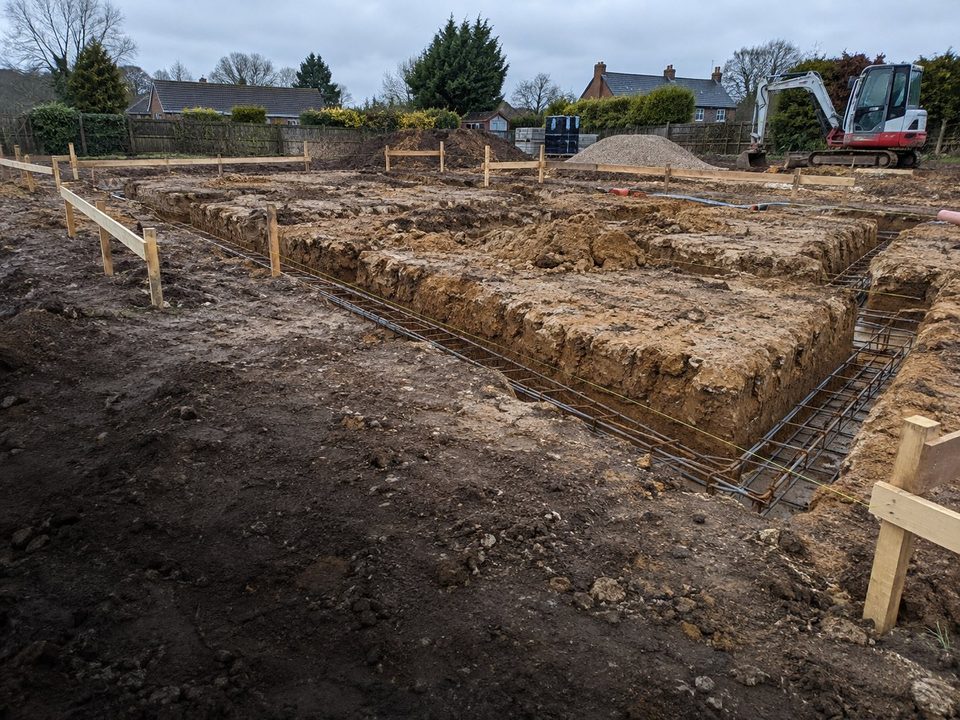
-
Slab pouredTue 1 Sep
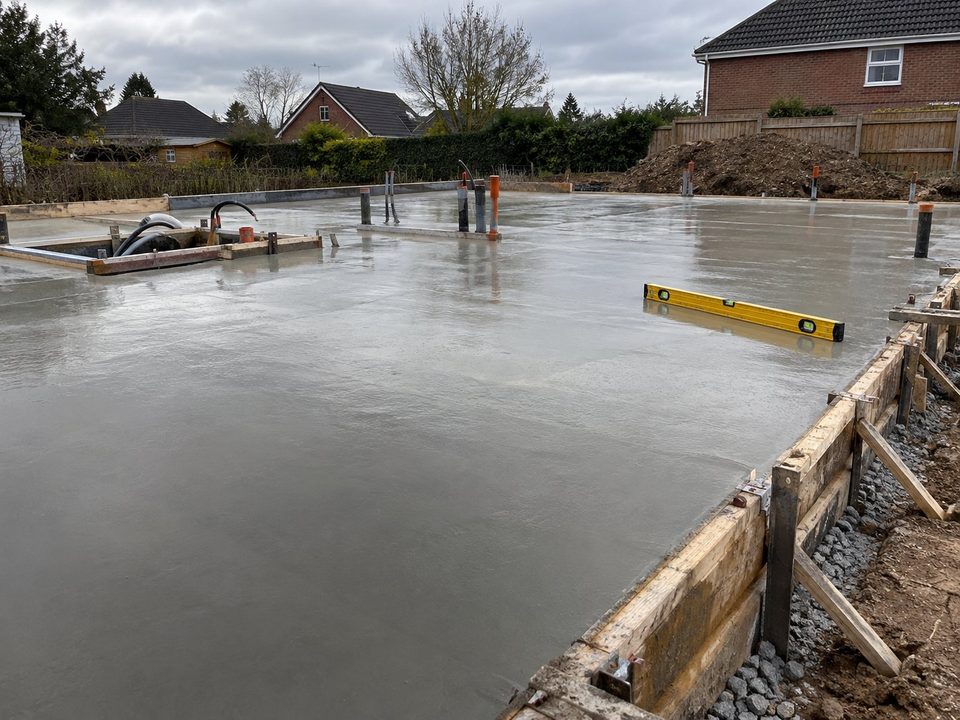
-
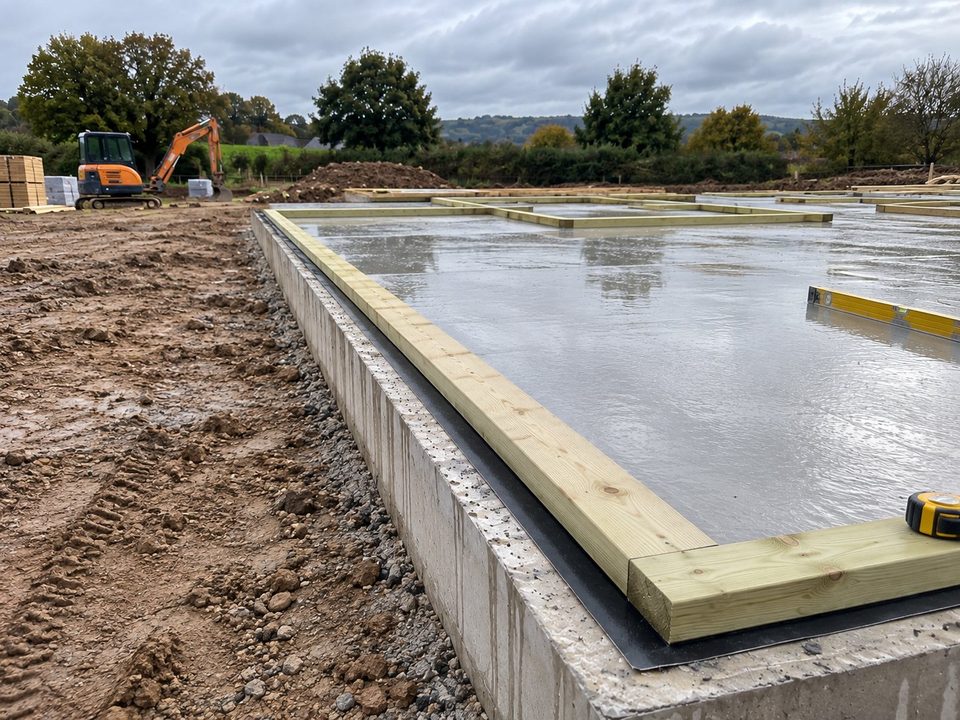
Sole platesTue 8 Sep
- Frame upTue 22 Sep
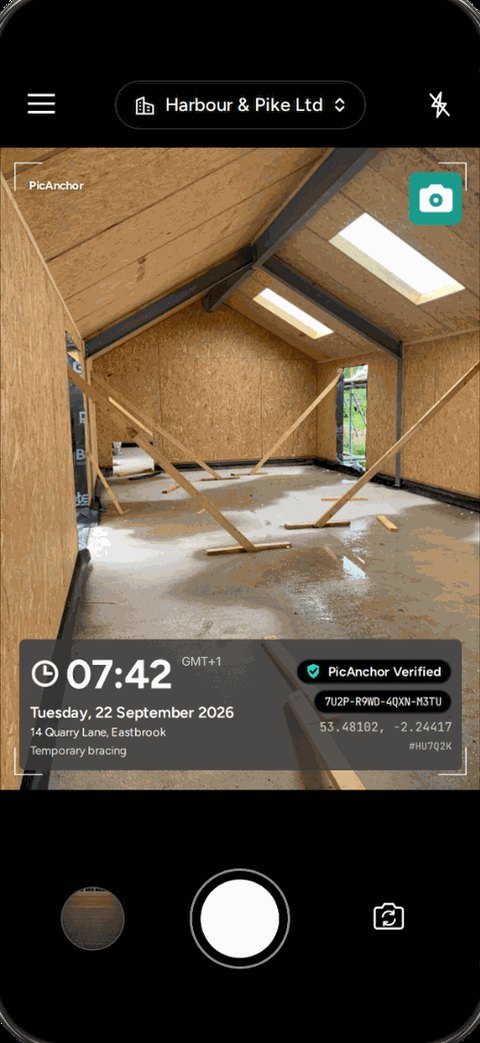


What gets recorded
What the stamp records on site
- 01
Time, GPS location and address
The time is burned into the photo when you press the shutter, not added afterwards. The GPS location and address are burned in too when the phone is online, so a photo says which site it came from.
- 02
A note
Free text such as "Level 2 slab, pre-pour", so the photo says which stage it shows.
- 03
Who took it
On a team, the worker is named on the stamp and the company sets the format for every phone.
- 04
A code anyone can check
Every photo carries a 16-character code and its fingerprint is registered, so a client can check it at verify.picanchor.com (opens in a new tab).
How it works
From the first pour to the handover
- 01
Set up the crew
The admin adds each worker by name. PicAnchor gives them a 6-digit code to join in the app. No email and no password.
- 02
Shoot each stage
The stamp is on the screen before you shoot and burned in when you do. Add a note if the stage needs one.
- 03
Send a report
Pick the photos in the gallery and export a PDF. Each photo has its time, who took it and its own QR code, and its address when it was taken online.
FAQ
Construction questions
Can the whole crew use the same stamp format?
Yes. On a team plan the admin sets one stamp format and it is locked on every worker's phone, so all site photos look the same.
Do site workers need an account or email?
No. The admin adds each worker by name, and the worker joins in the app with their name and a 6-digit code.
Can I add a note such as the level or the pour?
Yes. The stamp can carry a free note, for example "Level 2 slab, pre-pour".
How do I send progress photos to a client?
Choose Export PDF in the gallery, tick the photos and pick a layout, two photos to a page or four. Each photo in the report carries its time, who took it and a QR code that anyone can scan to check it, plus its address when it was taken online.
Does it work on a site with no signal?
The camera works without signal. A photo taken offline carries the time, note and name but no GPS location or address, which need a connection. Photos are registered and synced once the phone is back online.
Is it free?
On your own, yes: the camera, stamps and PDF reports are free, with no account needed. Team plans are bought inside the app.
Take your first stamped site photo